We all know the pain of taking notes manually and having to sift through them after a meeting. It's even harder on days when you have back-to-back calls and barely any time to pull out actionable insights from everything you captured. As a designer, I have plenty of days like that — getting feedback on designs, discussing new projects with my team, conducting user interviews.
I've been testing out a tool called Granola that's been changing how I handle all of it. It's an AI notepad, and I want to walk you through exactly how I've been using it in my actual workflow.
What is Granola?
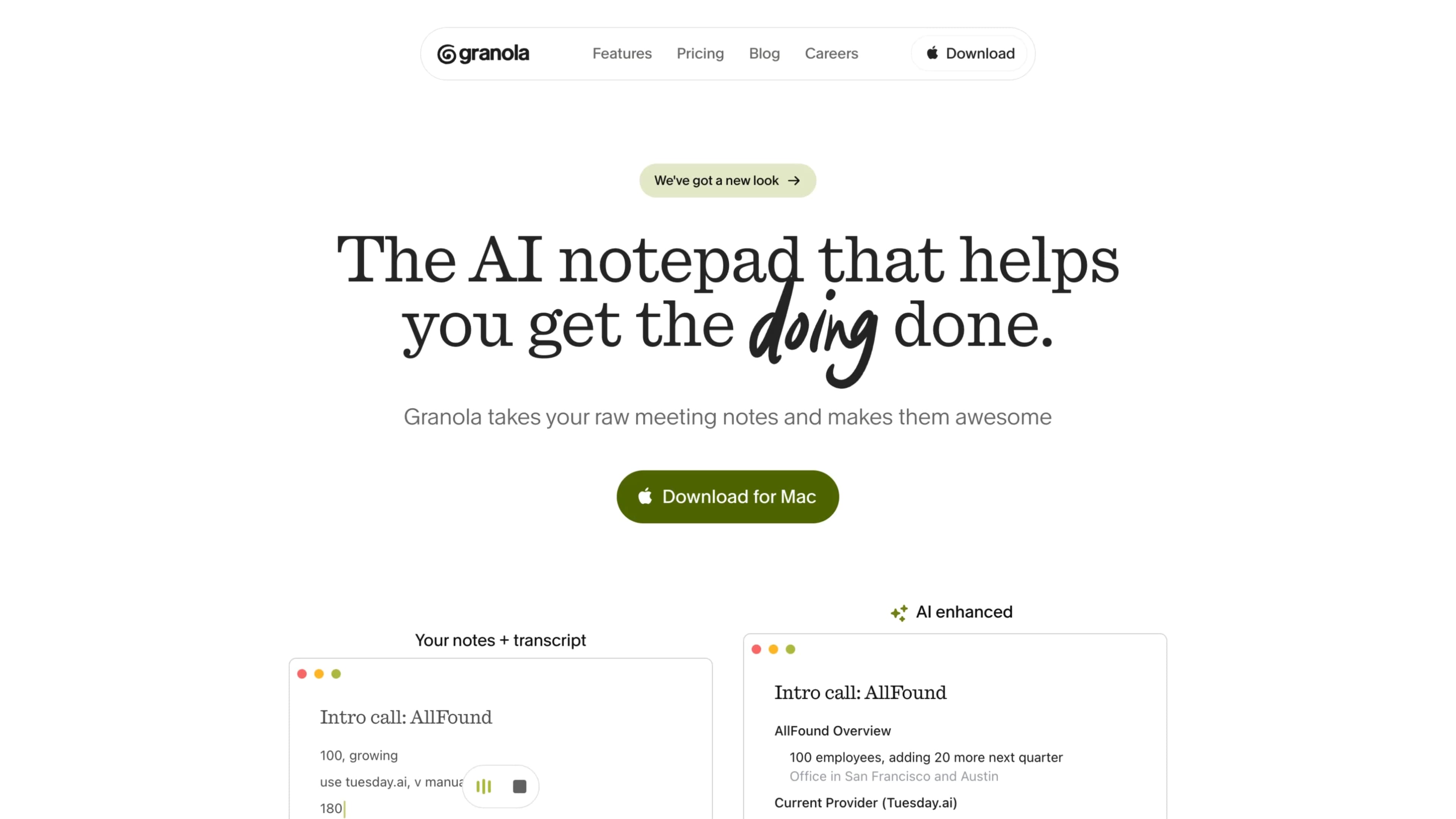
At its core, Granola is an AI-powered notepad that sits in the background while you're in meetings. It transcribes your conversations across whatever platform you're on — Zoom, Google Meet, Slack huddles, and more — and then takes the notes you jot down during the call and enhances them with the full context of what was actually said.
The key difference versus a lot of other tools in this space: there's no bot joining your call. No awkward "Notetaker Bot has joined the meeting" once you start transcribing. Granola transcribes your device's audio directly, so the experience for everyone on the call stays completely normal. You should still let people know you're transcribing, but the experience itself is way less intrusive.
Granola currently works on macOS, Windows, and iOS — so whether you're in a remote or in-person meeting, you can always capture those important conversations and keep everything in one place.
How I Use It
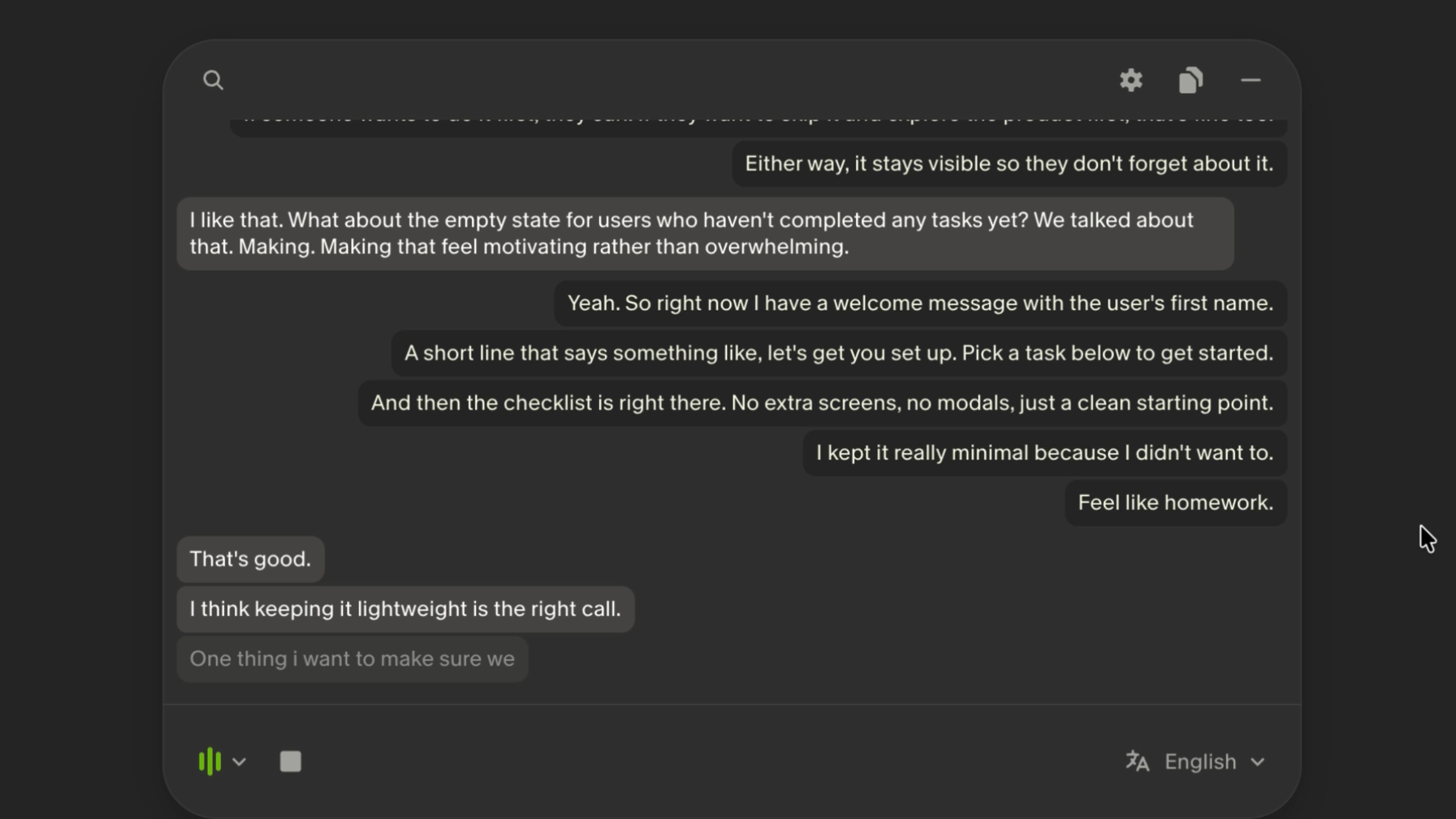
Whenever I join a meeting, Granola automatically detects it and starts transcribing in the background. It's discreet and doesn't send distracting notifications while I'm taking notes, which lets me stay focused on what's actually happening — whether it's a presentation or a quick sync with a coworker.
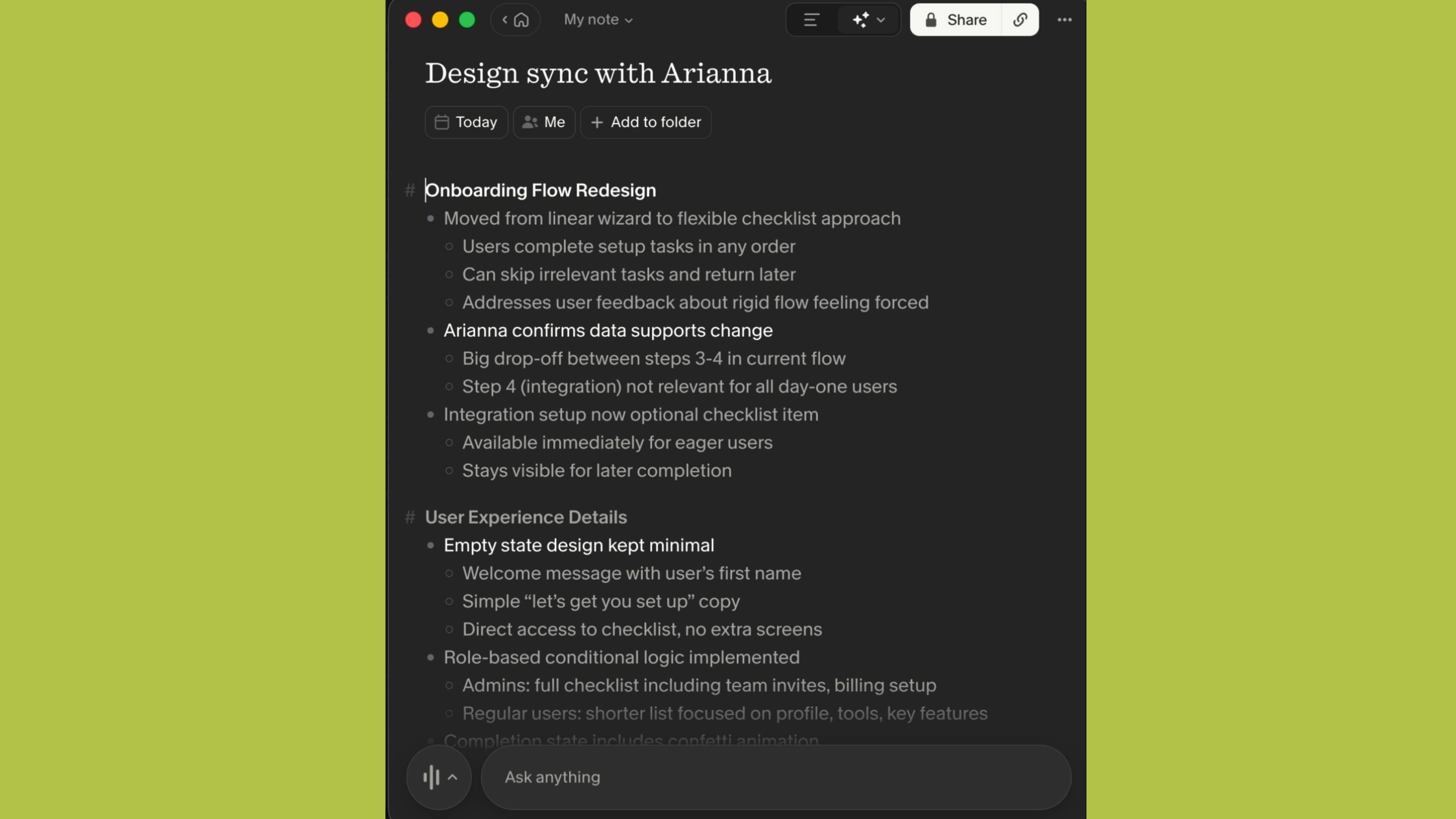
Because Granola is a notepad first, I jot down whatever I want, just like I would on any notepad. The difference is that once the meeting wraps, Granola takes my rough notes and the full transcript and generates a structured summary organized around the things I wrote down.
It's not just spitting out a generic recap of the whole meeting — it's building the summary around what I cared about enough to write down. That distinction matters a lot. It means the output actually reflects my priorities, not just a chronological dump of everything that was said.
The notes come out in a clean Notion-style format — broken into sections, easy to scan, and fully editable. If I want to restructure something or add context after the fact, I just click in and type.
You also get a set of templates you can apply depending on the type of meeting you're in — standups, one-on-ones, client calls — or you can leave it on Auto and let Granola figure it out. You can even build your own custom template if you have a specific format you prefer. For design reviews, I set up a template that pulls out feedback items, decisions made, and next steps. That alone has saved me a significant amount of time.
Recipes
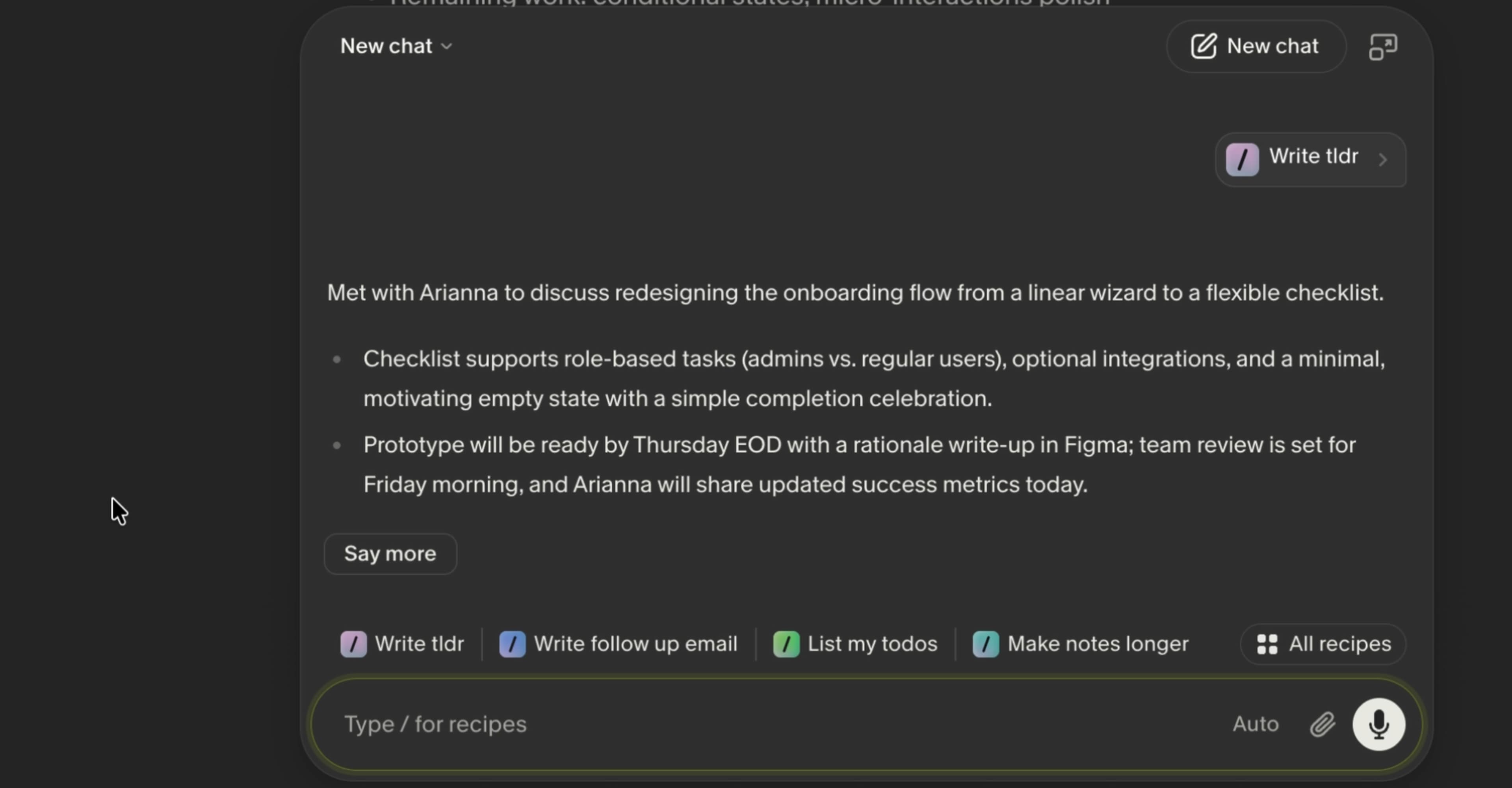
This is where Granola really sets itself apart from other AI note-taking tools. Granola has a feature called Recipes — and if you've used slash commands in tools like Notion or Linear, this will feel familiar. Recipes are pre-built prompts or workflows that you can run before, during, or after a meeting.
Before a call, I'll open up my note for that meeting, jot down who I'm meeting with and what it's about, then run a recipe that suggests talking points and questions based on that context. It pulls from the details I've written and gives me actually relevant suggestions — not just generic filler. I walk into the meeting more prepared, which is huge when you're bouncing between calls all day.
I've also been using a recipe that generates formatted tickets on the fly. So if a colleague flags a design issue during a call, I can immediately generate a ticket description ready to drop into Linear or Jira — before the call is even over. No more "I'll write that up after" and then forgetting about it.
You can also create your own recipes for whatever repetitive tasks you run into. If there's something you find yourself doing after every meeting, you can probably automate it.
Chat
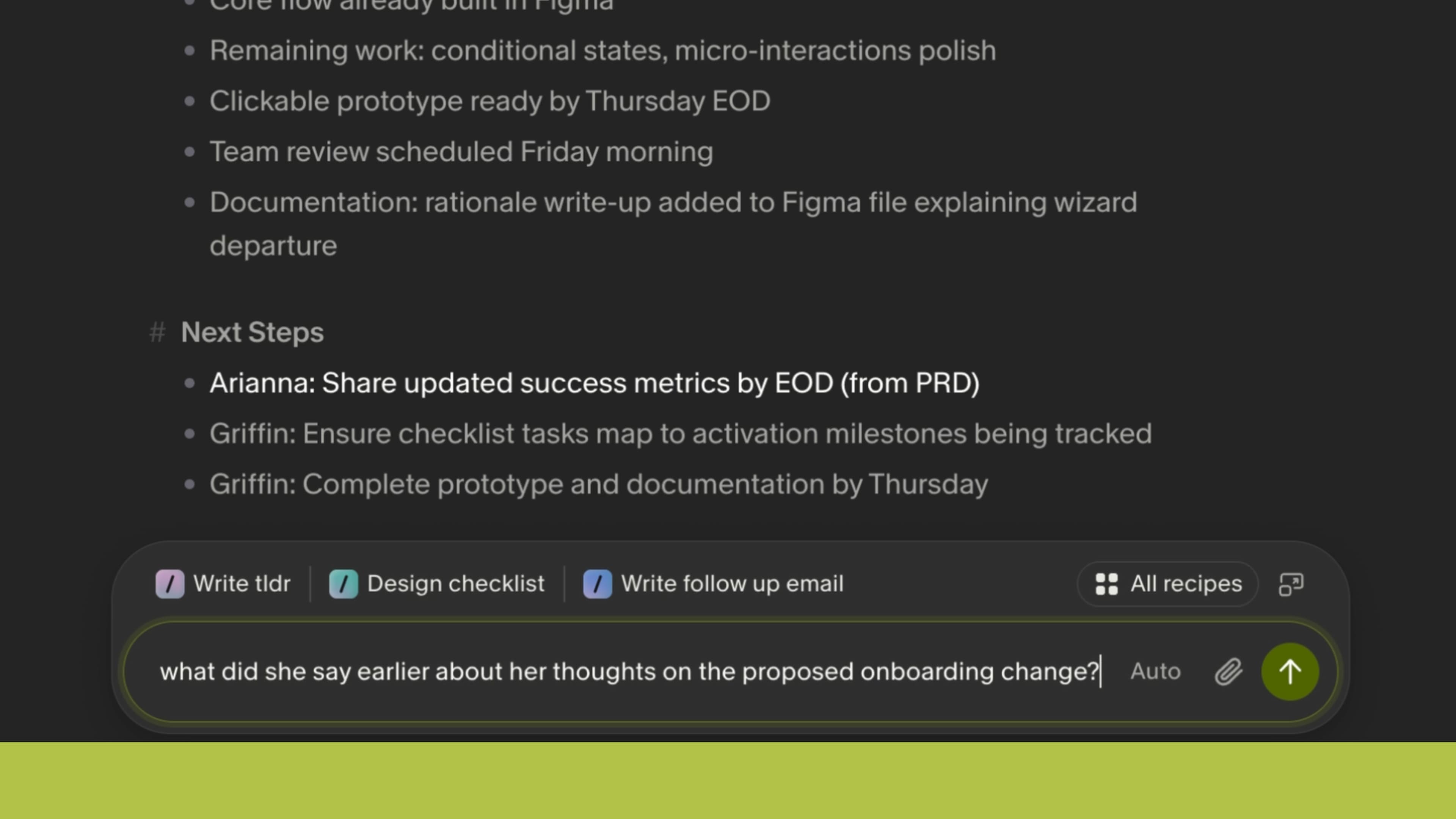
The other feature worth highlighting is Chat. At any point — during or after a meeting — you can chat directly with your notes and ask questions about what was discussed.
Say I'm 30 minutes into a long call and someone references something from earlier that I didn't fully catch. I can just ask Granola in the chat — "what did they say about the timeline?" — and it pulls the answer directly from the transcript. No scrubbing through anything, no guessing.
And since Granola keeps the full transcript of all your meetings, you can ask about things across multiple conversations. If I need to remember what a client said about their brand direction three meetings ago, I can pull that up through chat. It genuinely starts to feel like a searchable second brain for all of your conversations.
For someone who's often in design reviews and stakeholder meetings back-to-back, being able to search across all of those conversations and surface specific details has been a real game-changer.
Integrations and Automation
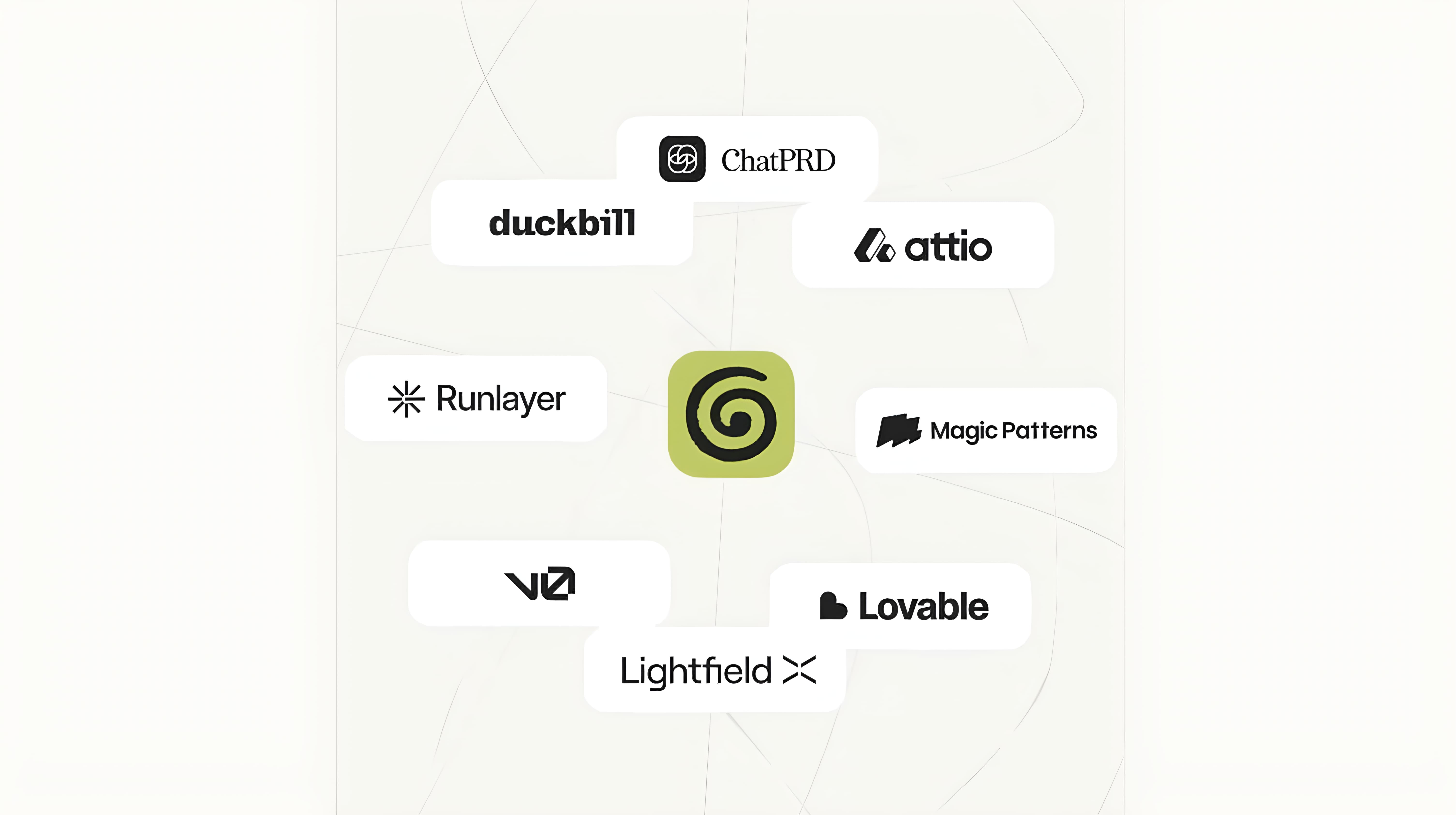
Granola connects with tools like Slack, Attio, and Zapier — so you can build automations off of your meeting notes. Send follow-up summaries to a Slack channel automatically. Push action items into your project management tool. Update your CRM after a sales call. All without leaving Granola.
This is what takes it from being a nice notepad to being an actual workflow tool. Your meeting notes stop being static documents sitting in a folder somewhere and start actively driving the work that comes after the call.
Who Is This For?
Honestly, regardless of what kind of work you do — if you have meetings and need to turn those conversations into action, Granola is worth trying. I was skeptical at first given how many note-taking tools already exist, but after spending time with all the capabilities built into it, it's something I wish I had downloaded sooner.
The notepad-first approach means you stay engaged in the conversation instead of frantically trying to capture everything. The AI works in the background to fill in the gaps. The recipe system is genuinely powerful once you start customizing it for your specific workflows. And the chat feature means you never have to worry about missing something, because you can always go back and ask.
The Three Things That Stuck With Me
To recap — the three features that have had the biggest impact on how I work:
The notepad-first approach keeps me present in conversations instead of scrambling to write everything down.
Recipes let me automate the stuff that used to eat up time between calls — follow-ups, tickets, prep work.
Chat means I never lose anything from a conversation, even if I wasn't fully locked in the whole time.
As a designer, a lot of my work happens in meetings. Having a tool that handles everything around those conversations — and lets me just focus on the conversation itself — has made my workdays noticeably more productive and a lot less stressful.
👇🏼 Use the link below to get an upgraded Granola subscription FREE for your first month. https://go.granola.ai/griffin-wooldridge