
The problem every designer knows
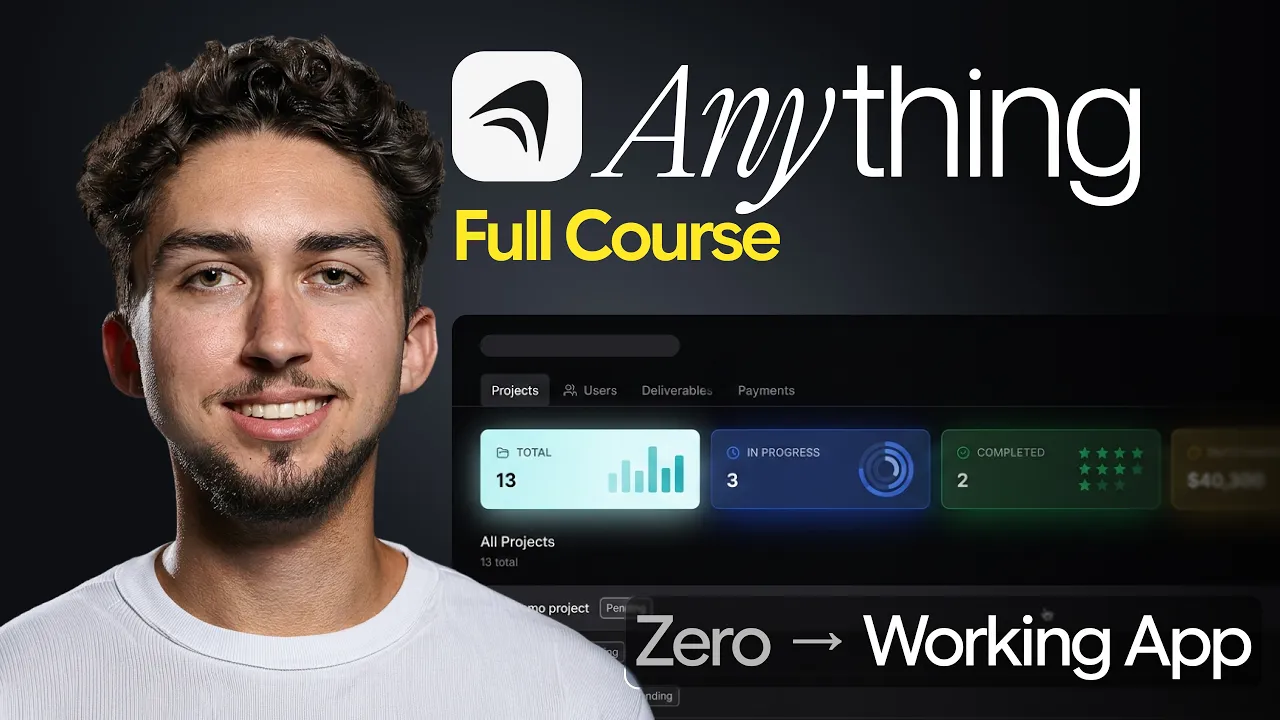
As designers, we understand good user experience, user flows, and what makes a beautiful interface. But most of us can't build what we've designed, and that's fine, because we're designers. It's just not in our skill set.
The no-code AI builders that exist right now mostly don't hold up when you want to build something functional, usable, and beautiful. There's always been this gap between having an idea and being able to ship it. And until recently, if you didn't know how to code, that gap was just your reality.
That's what Anything claims to change.
What is Anything?
Anything is an AI app builder. At its core, you describe what you want in plain English, and it builds you a real full-stack application complete with a database, back-end logic, user authentication, and payments. You can also build for iOS and Android, not just the web.
It doesn't build from a template, and it's not a drag-and-drop builder. It generates high-quality working code from your description as an AI agent. It has hundreds of thousands of users, and the reason it's growing so fast is that it's the first tool to get the full picture right: the UI, but everything underneath it as well.
Anything has a free plan if you want to poke around before committing, and new users get 20% off a paid plan through my link.
Affiliate disclosure: Anything sponsored the video and this is my affiliate link. If you sign up through it, I may earn a commission at no extra cost to you.
Building a real app: a freelance client portal
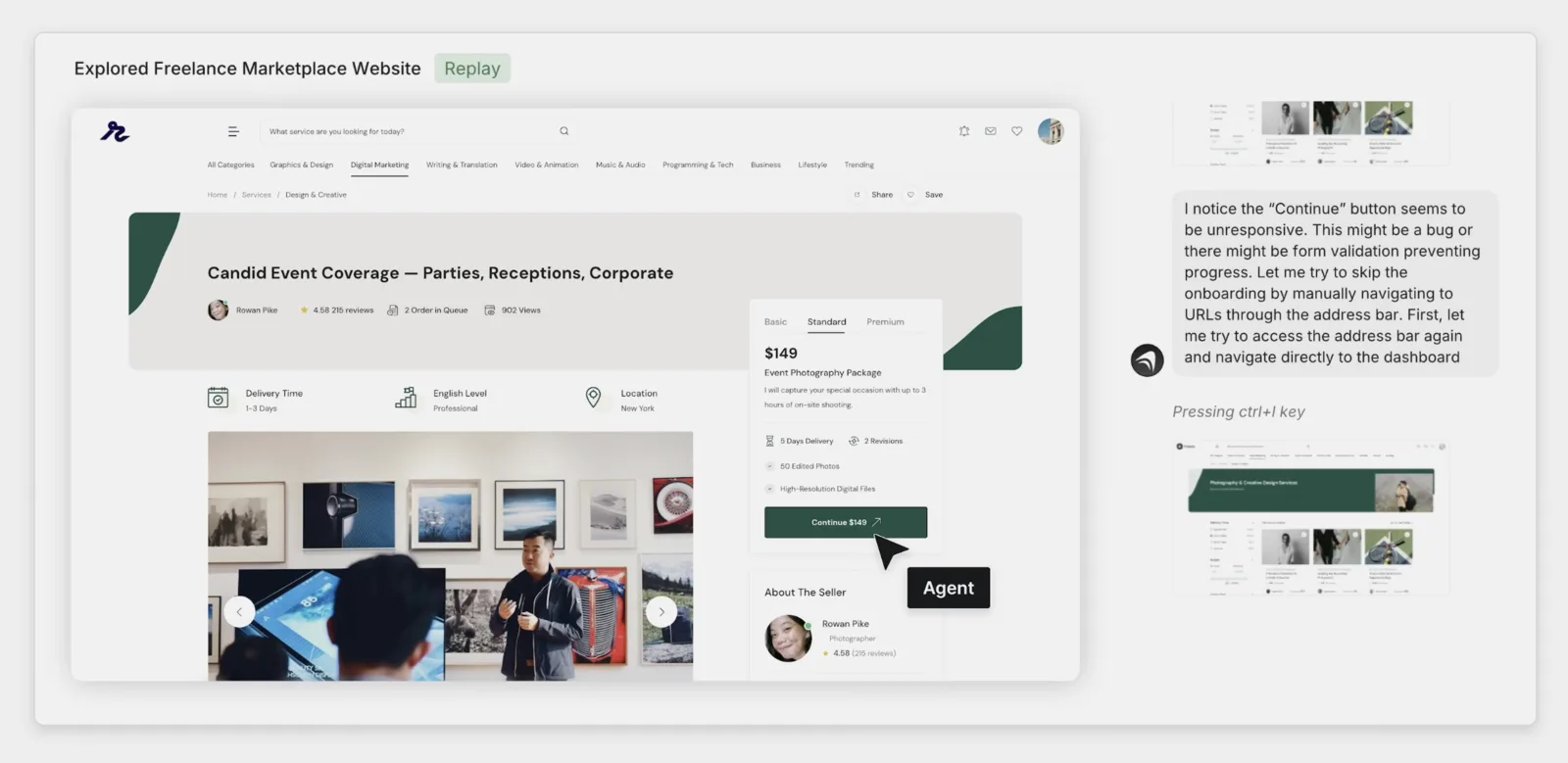
To show what Anything can do, I built something I've genuinely wanted for a while: a freelance client portal. A tool where I can track active clients, manage project deadlines, store deliverables, and send invoices, all in one place.
This is the kind of app that requires real back-end functionality. And it's not just for me - it's for any designer managing client work.
Concretely, I set it three tasks:
- User authentication plus a dashboard of active clients, projects, status and deadlines
- File uploads for deliverables and a simple invoices view
- Stripe payments so clients can pay invoices inside the portal
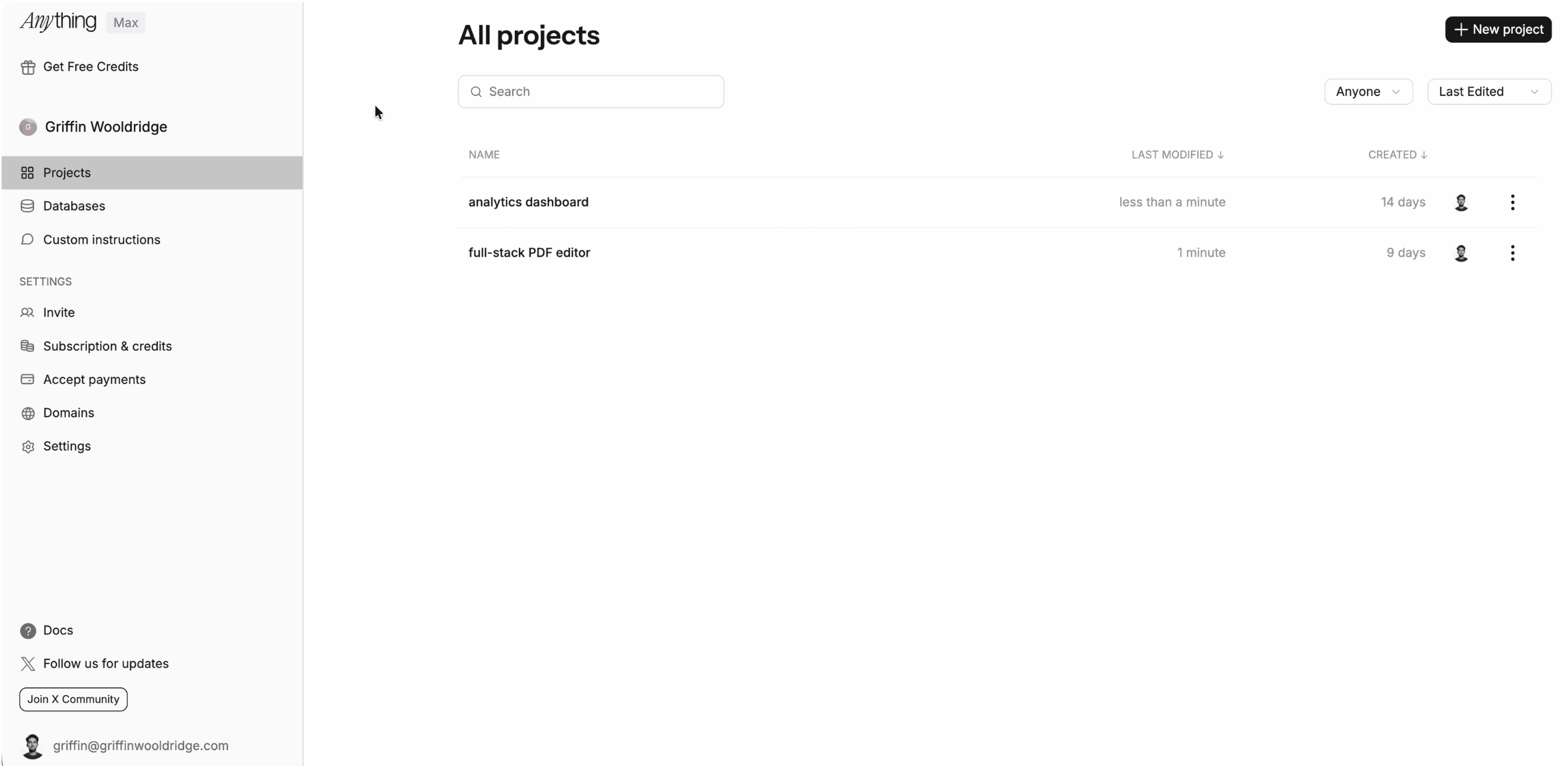
When you're inside Anything, the left sidebar gives you dedicated pages for projects, databases, and custom instructions. Custom instructions let you describe exactly how you want Anything to respond when you prompt it, essentially a personalization layer.
Connecting Figma and generating from one prompt
If you already work in Figma, you can connect your Figma account directly. Hand it your existing designs, and Anything will build them as an actual working app.
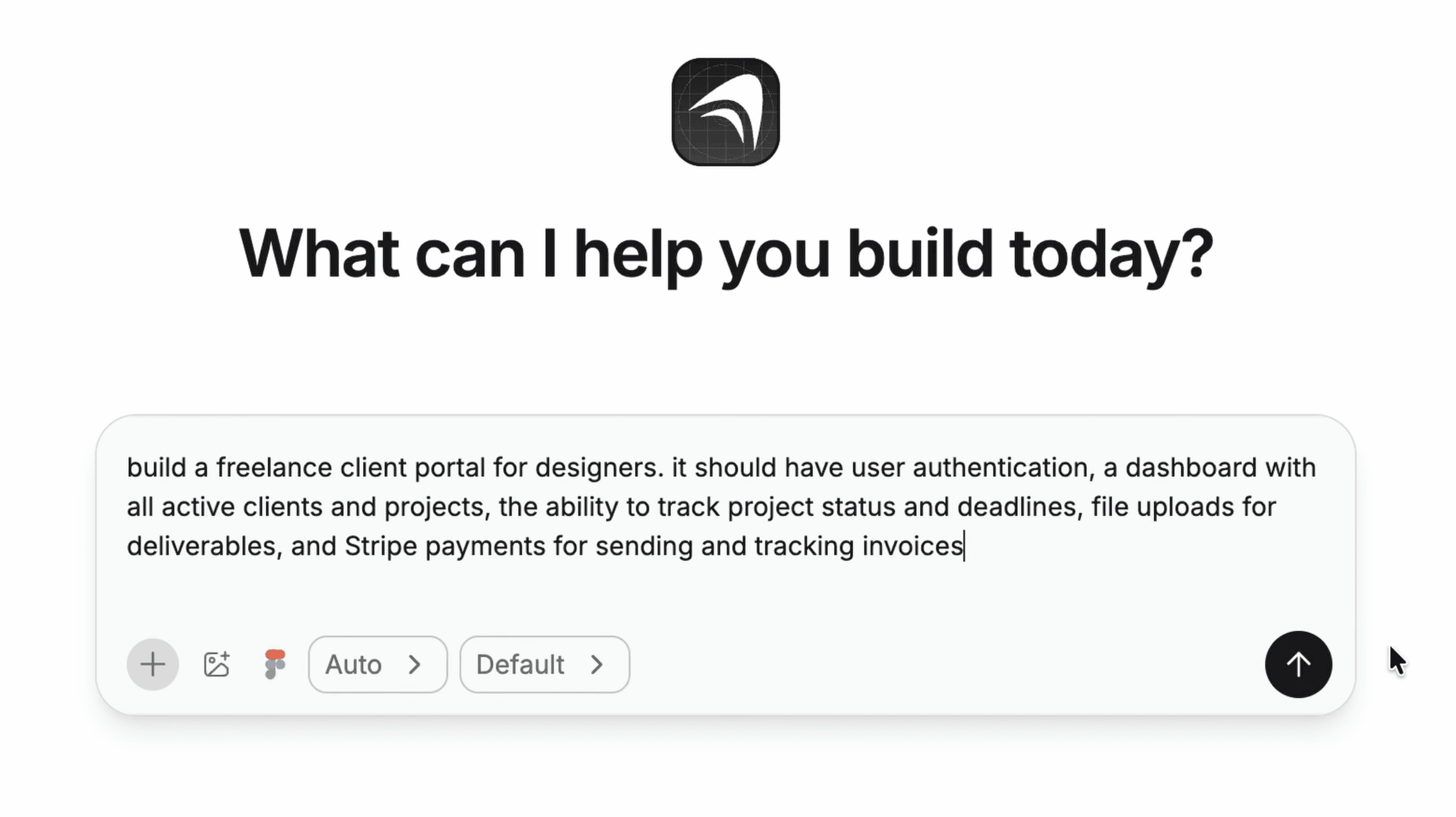
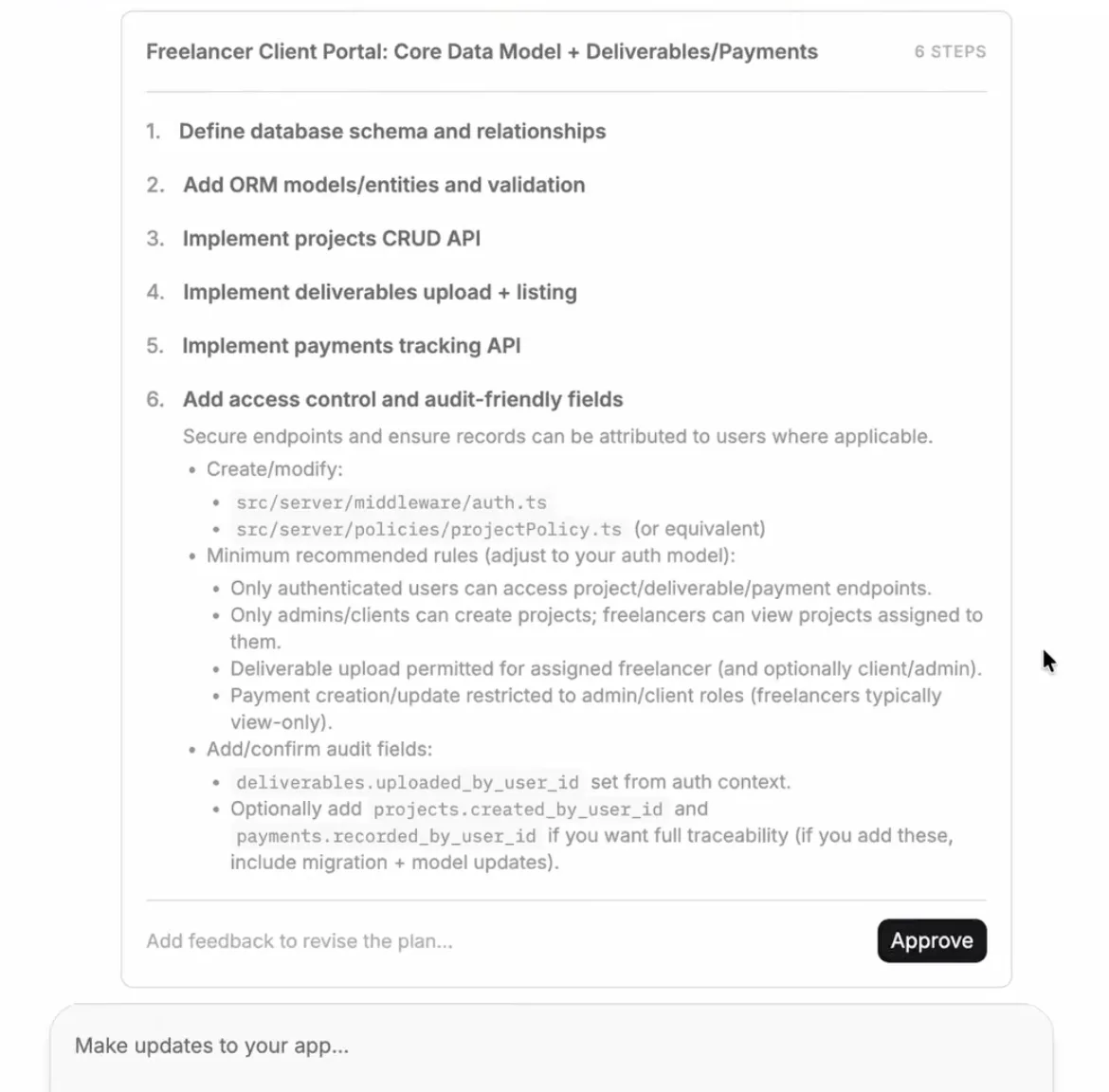
I typed out what I wanted, hit generate, and Anything started planning the app, thinking through structure, functionality, and scope. It enabled sign-in, set up API routes, and did a ton of back-end work without me asking. That was all from a single prompt.
Auth and a database from the first build
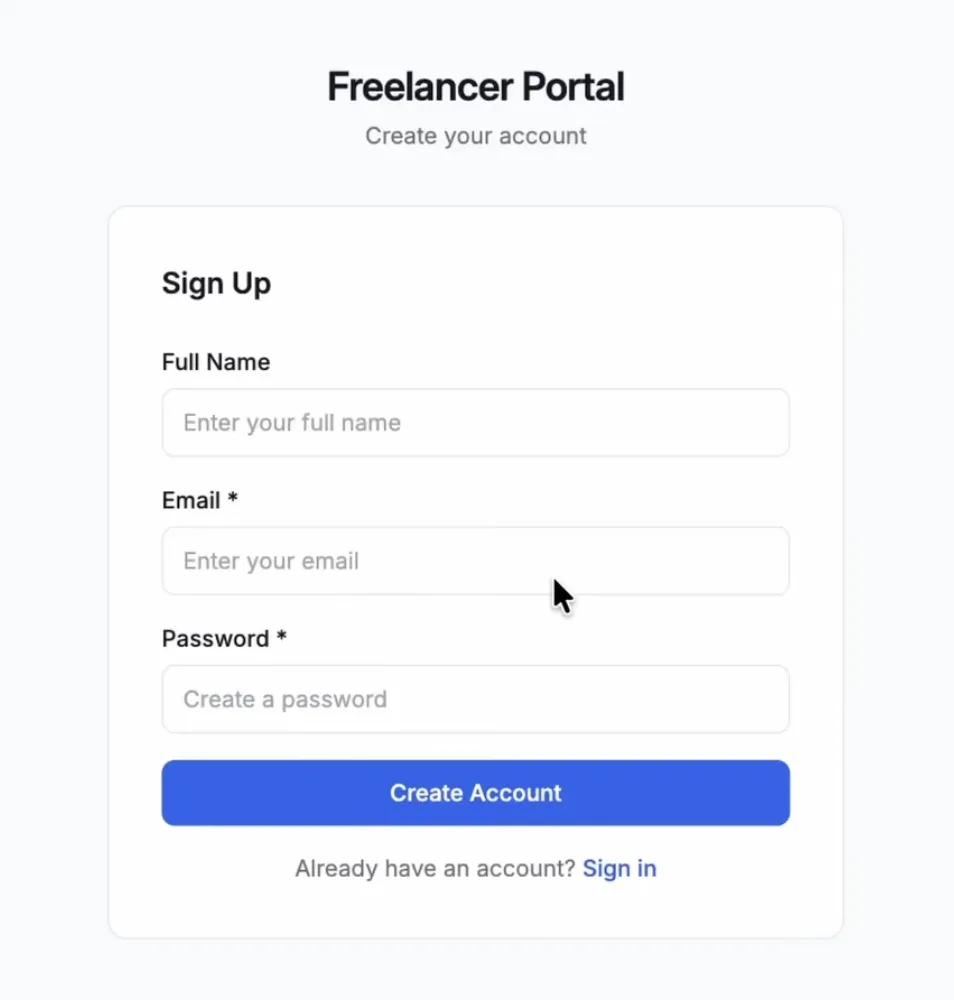
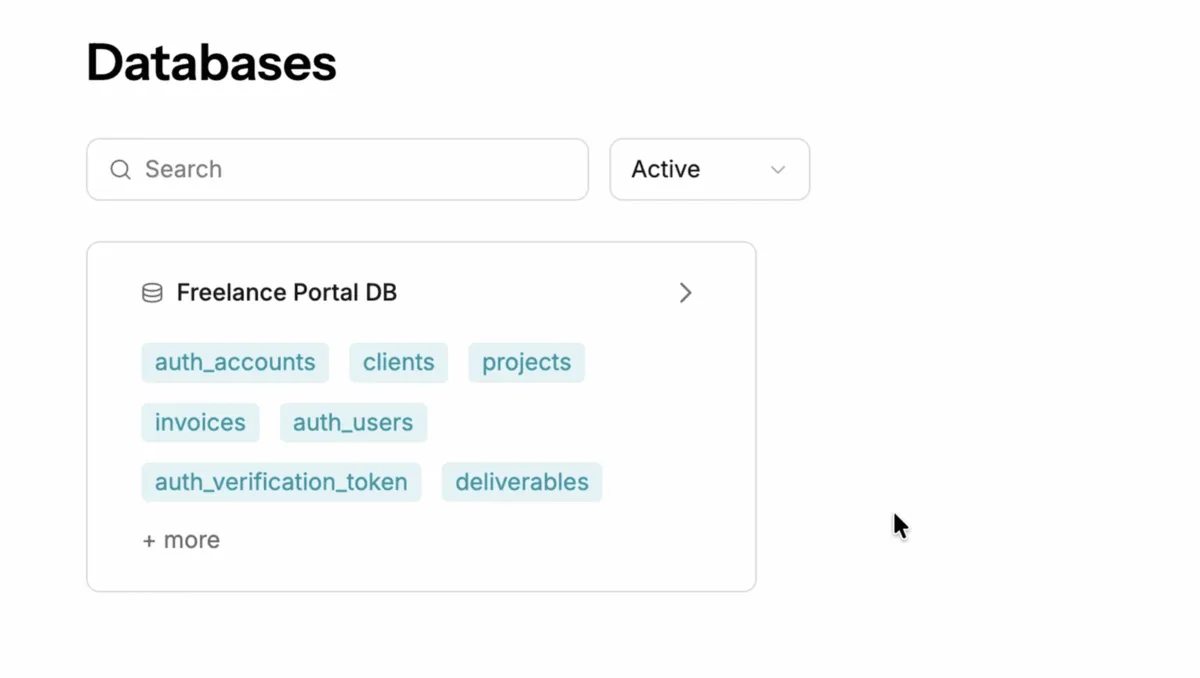
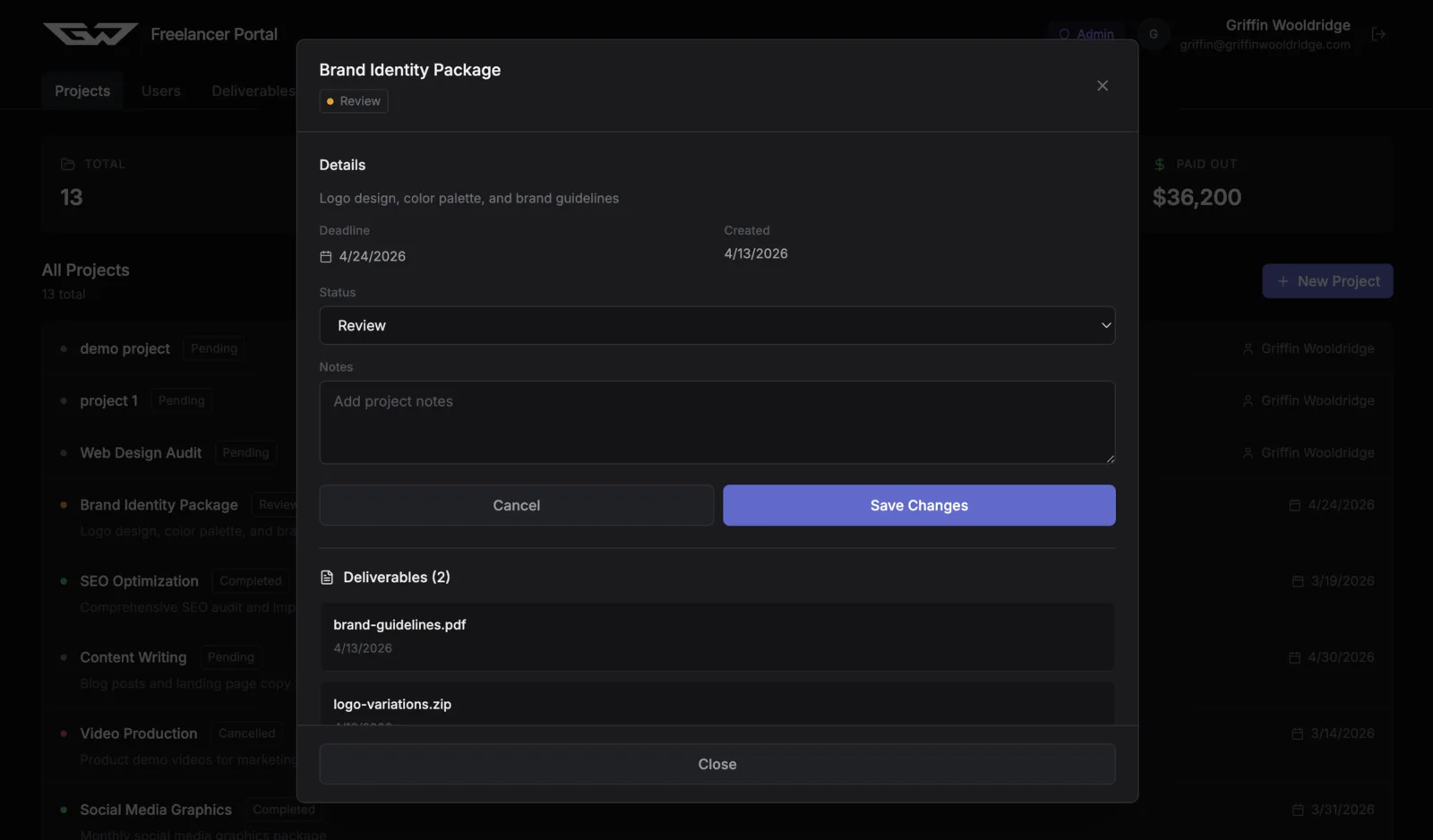
The first build landed on a sign-in page. I created an account to test authentication and it worked. Back in the databases section of my dashboard, I could see that a dedicated database had already been created with support for users, clients, projects, invoices, and more.
The first dashboard
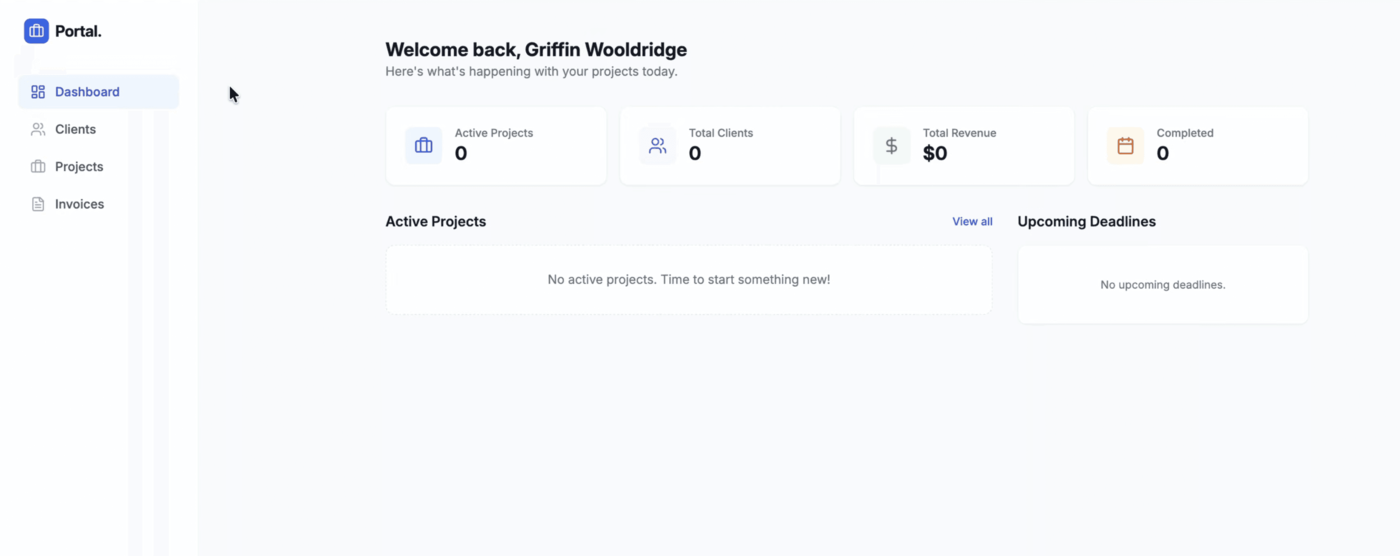
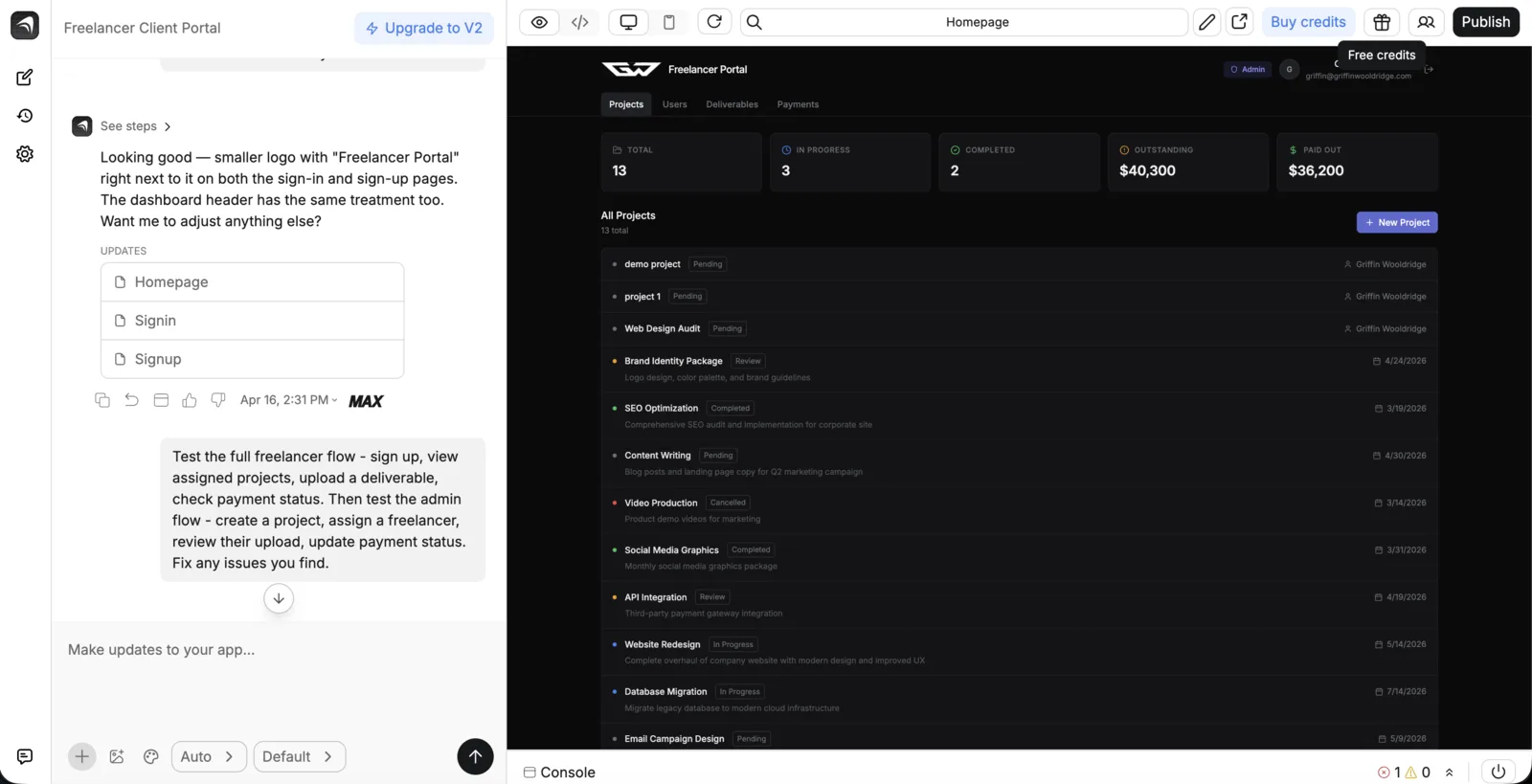
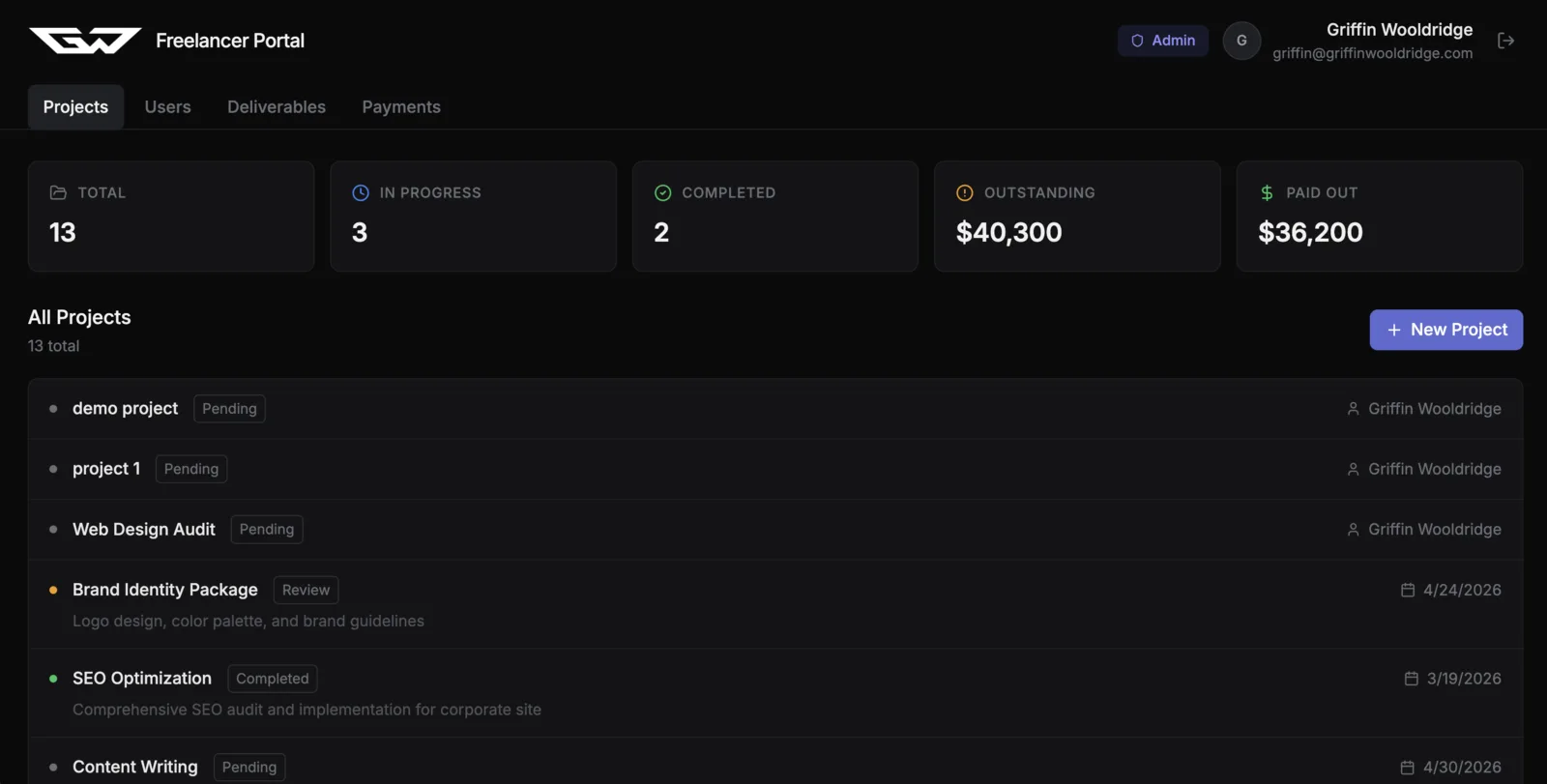
The app already had a dashboard, a client list, a projects page, and an invoices page, with a couple of helpful KPIs at the top showing total outstanding and total paid. A solid start.
Fixing bugs by describing them
The first thing I tested was adding a client. That worked, but a dropdown menu on the right side of the client card wasn't responding at all.
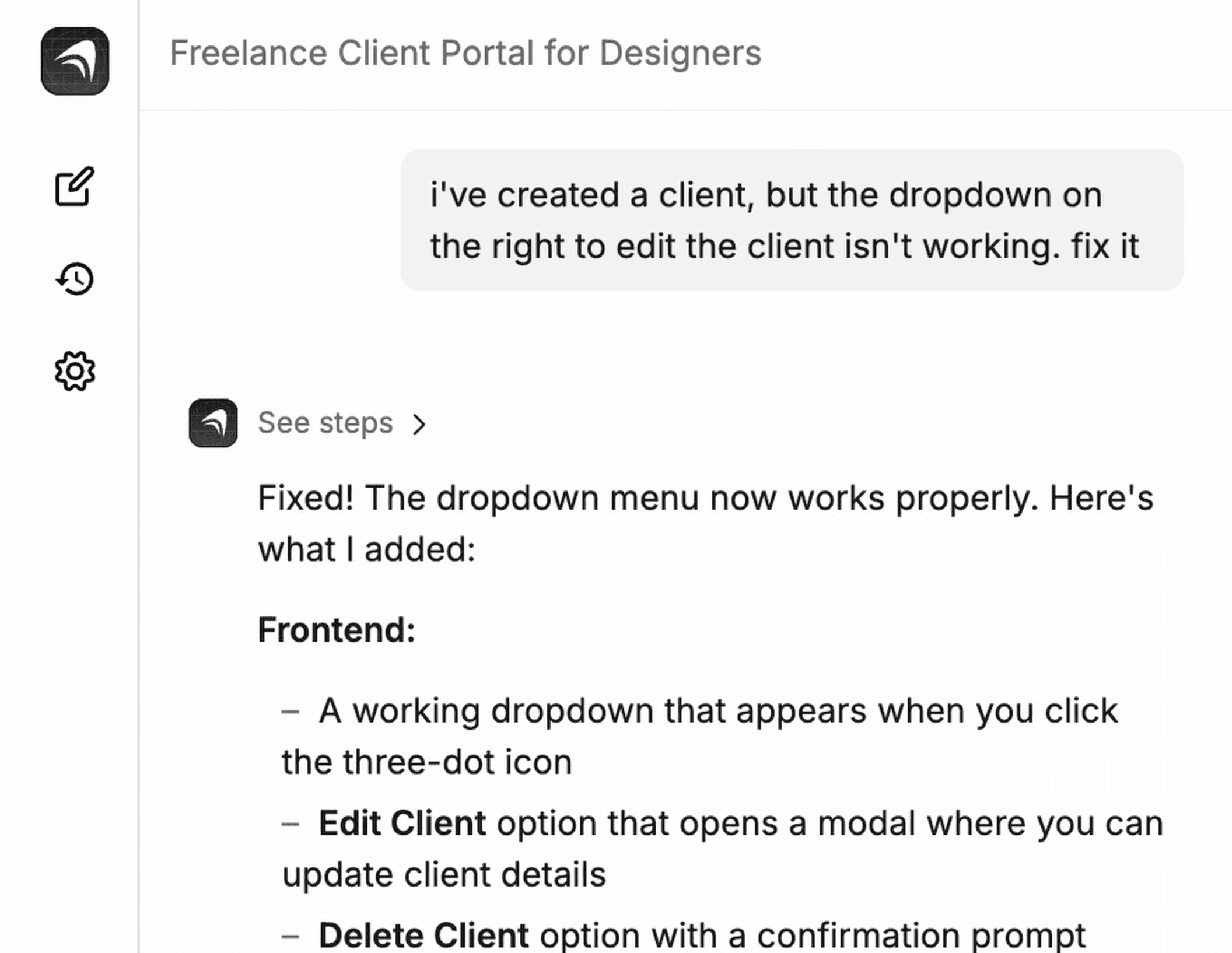
I told Anything: "I've created a client, but the dropdown on the right to edit the client isn't working. Fix it."
It fixed it. The dropdown opened, editing worked, and the changes persisted after navigating away and back, confirming the database was functional.
Adding AI features in plain English
Here's where things get interesting. I wanted the app to auto-generate a project proposal based on the client's name and project type, without hunting down an API, writing integration code, or handling response formatting.
I just typed: "Add a button on the project page that uses Claude to auto-generate a project proposal based on the client name and project type. Display it in a modal."
Anything has over 100 built-in integrations you can add just by describing them. Claude, ChatGPT, Stripe, Google Maps, PDF generation, email - all available with a slash command.
I hit "Generate Proposal" and got back a full, well-structured design project proposal complete with phases, a cost breakdown, and next steps for the client. You can regenerate it or copy it straight to your clipboard. The whole thing took one prompt.

Setting up Stripe payments
For the final functional piece, I wanted clients to be able to pay their invoices directly inside the portal.
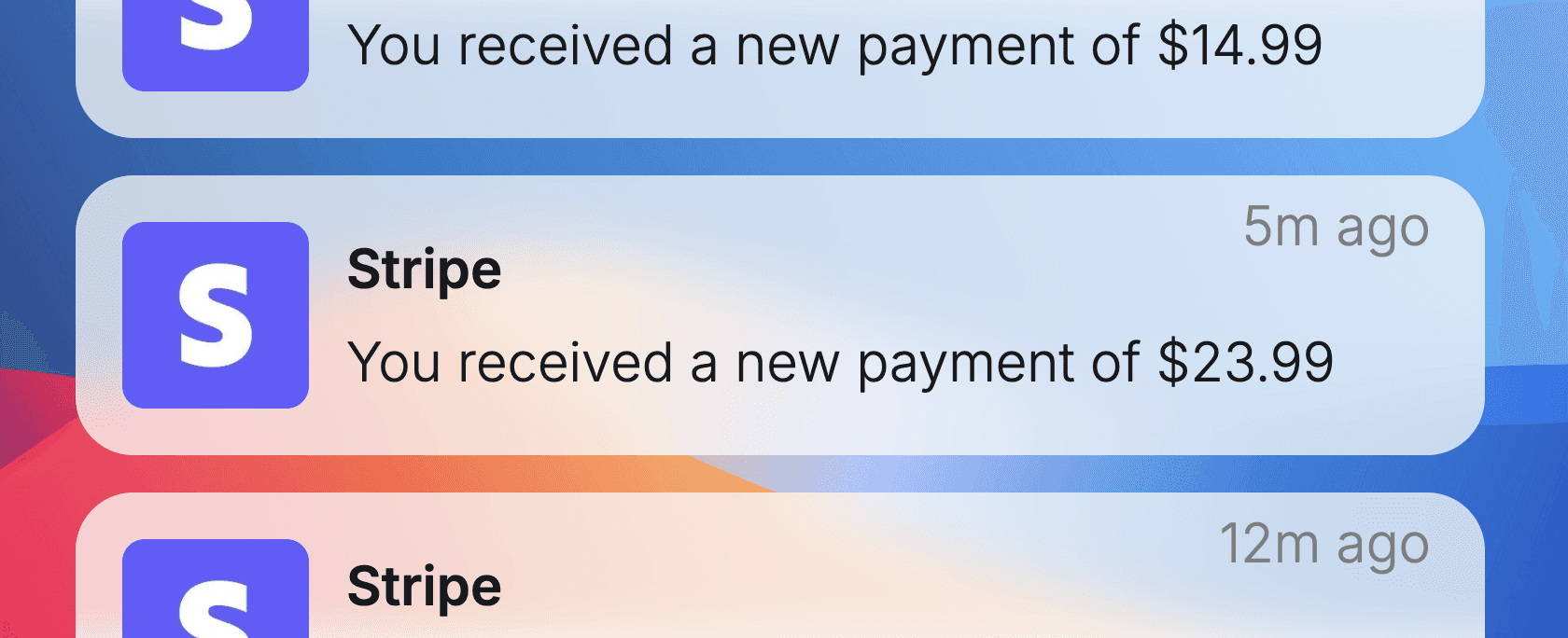
In Anything, there's an "Accept Payments" section in the dashboard. I connected my Stripe account by simply logging in, no digging for API keys. Then back in the project, I told it: "Let's allow clients to pay their invoice in this portal. Set up Stripe payments to make this happen."
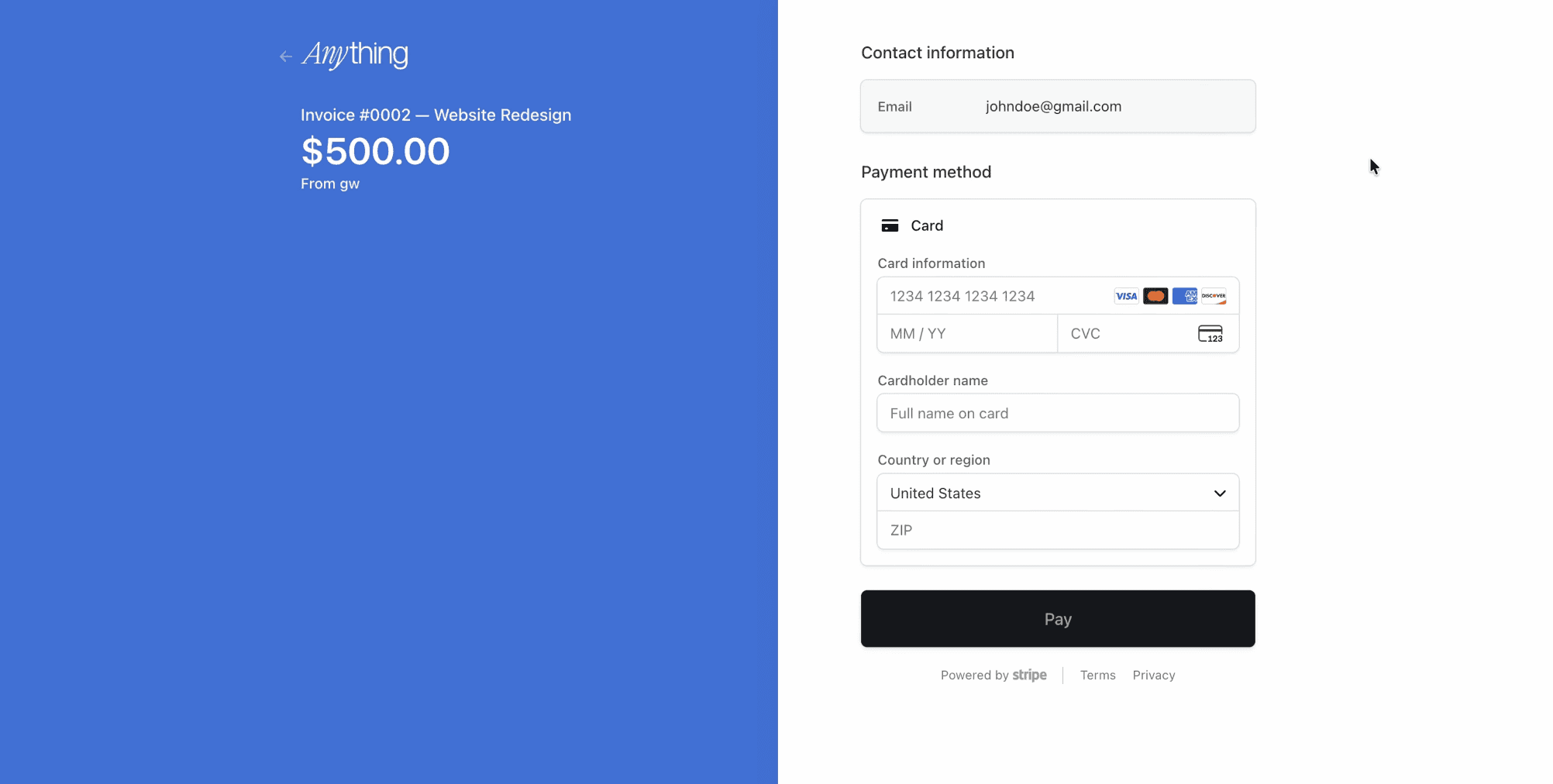
It implemented a "Copy Link" button that leads to a real Stripe checkout page. It's in test mode by default, but telling Anything to push to production flips it to a live invoice page where clients can pay and funds go straight to your Stripe account.
If you've ever tried to set up Stripe manually, you know how painful that process is. This took one sentence.
Making it look good
Functional is great, but at this point the app was looking pretty generic - default colors, basic layout. So I attached a screenshot for design inspiration and said:
"Let's give this dashboard some more personality, make it prettier, and use the attached design as inspiration."
The result was new colors, a refreshed layout, and working charts with tooltips. Not a full redesign, but a meaningful visual lift with zero friction.
Publishing and going live
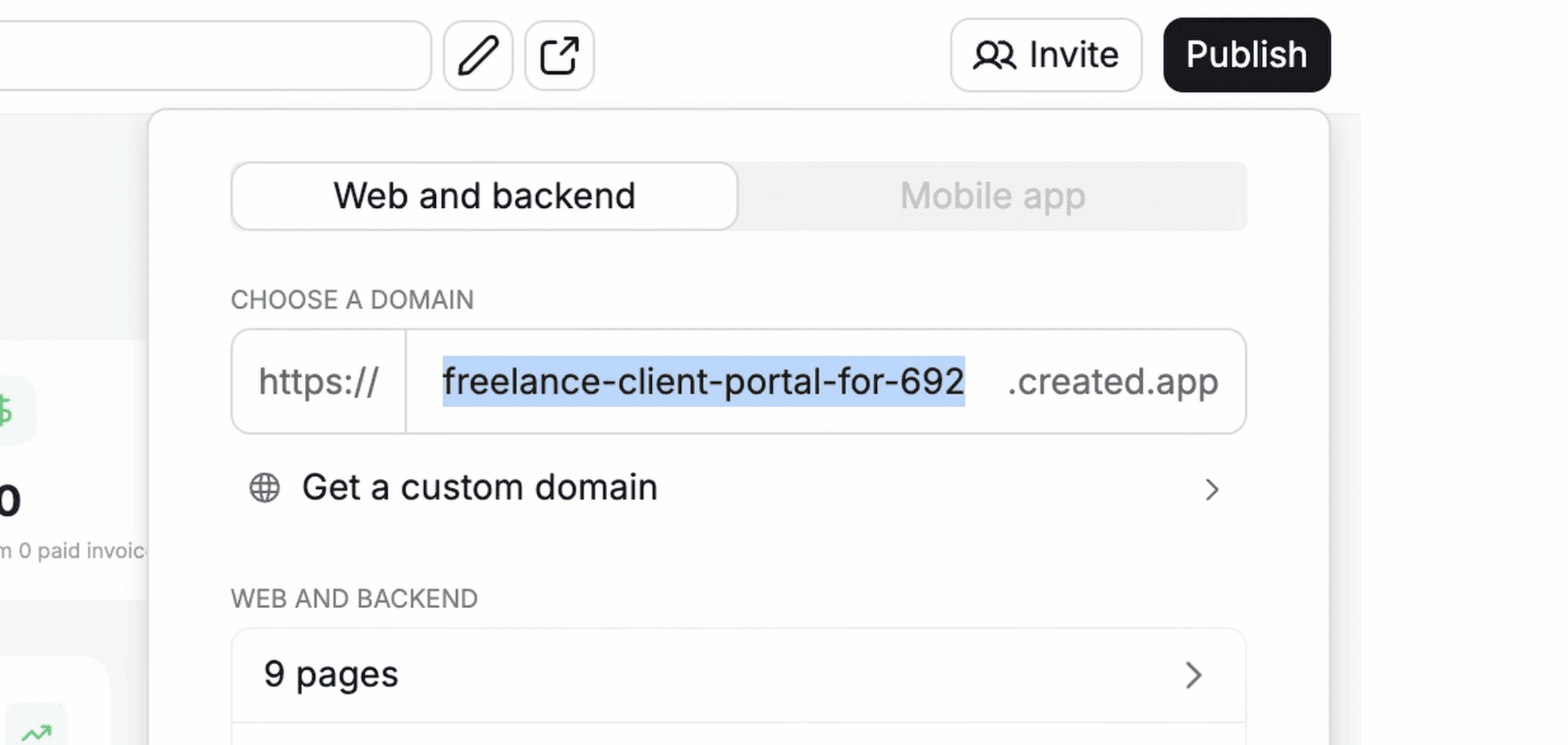
Publishing is straightforward. Hit publish, and the app gets a live URL. On a paid plan, you can connect a custom domain and remove the Anything branding in about two minutes.
For mobile, Anything builds on Expo, which means your app is App Store ready out of the box. There's an App Store review feature that scans for issues Apple might reject so you can fix them before submitting. No Xcode, no provisioning profiles, no developer account.
The feature that impressed me most: Max
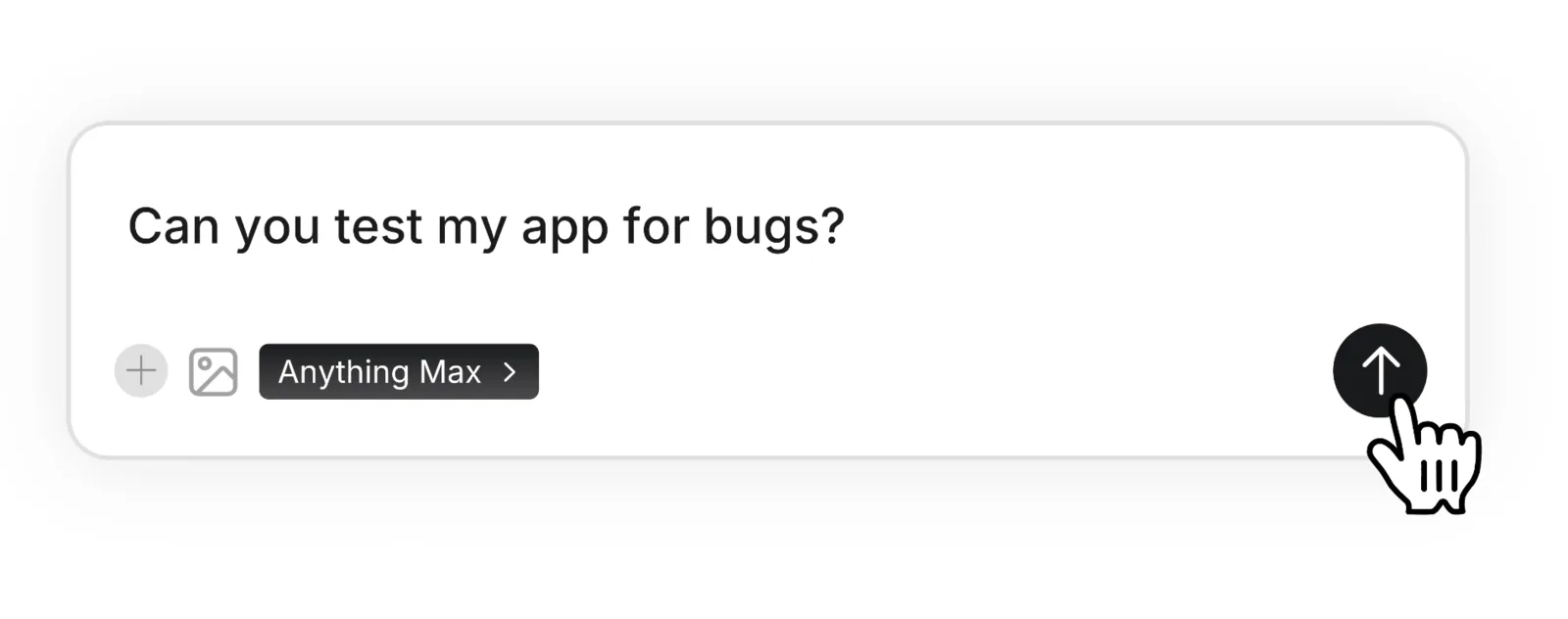
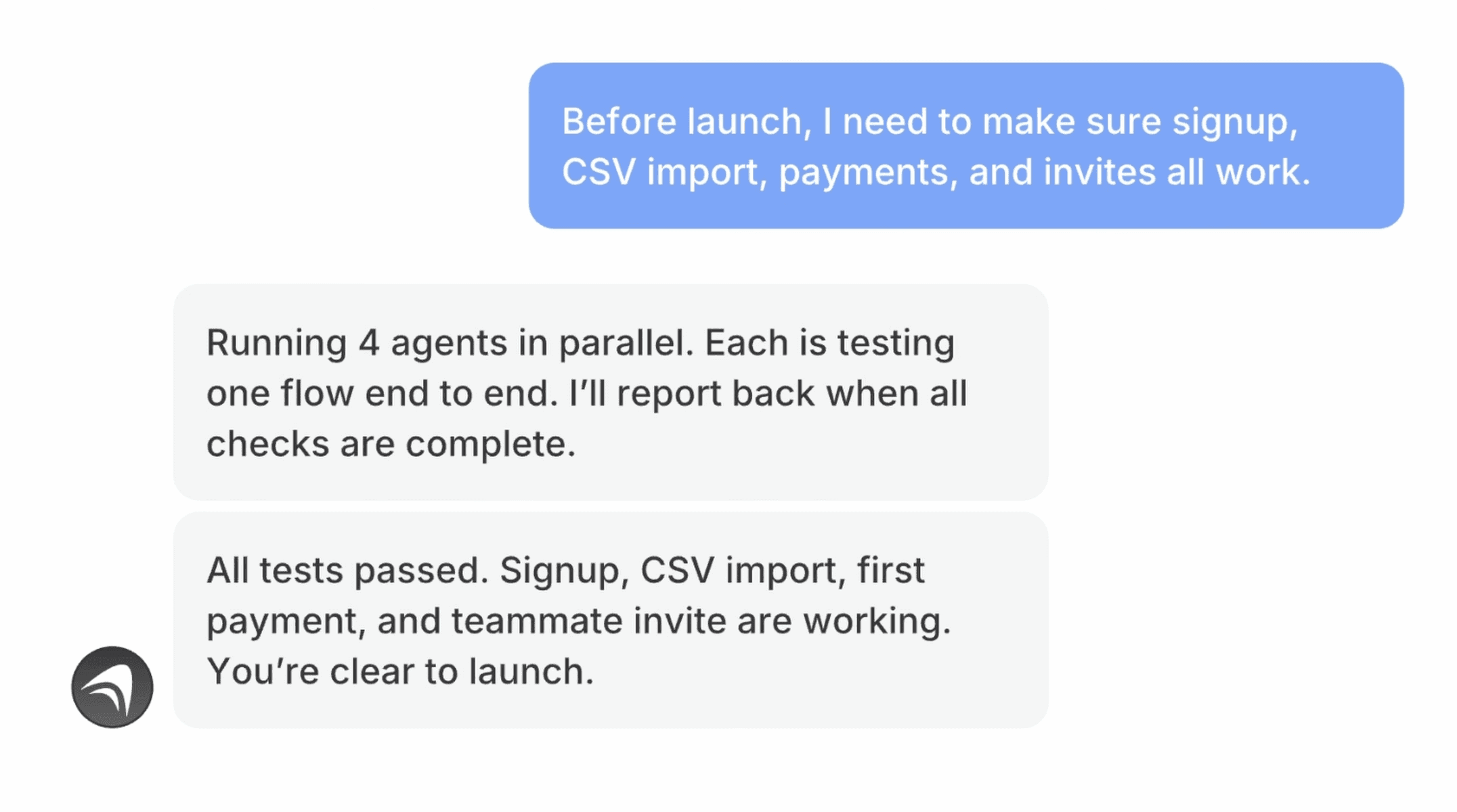
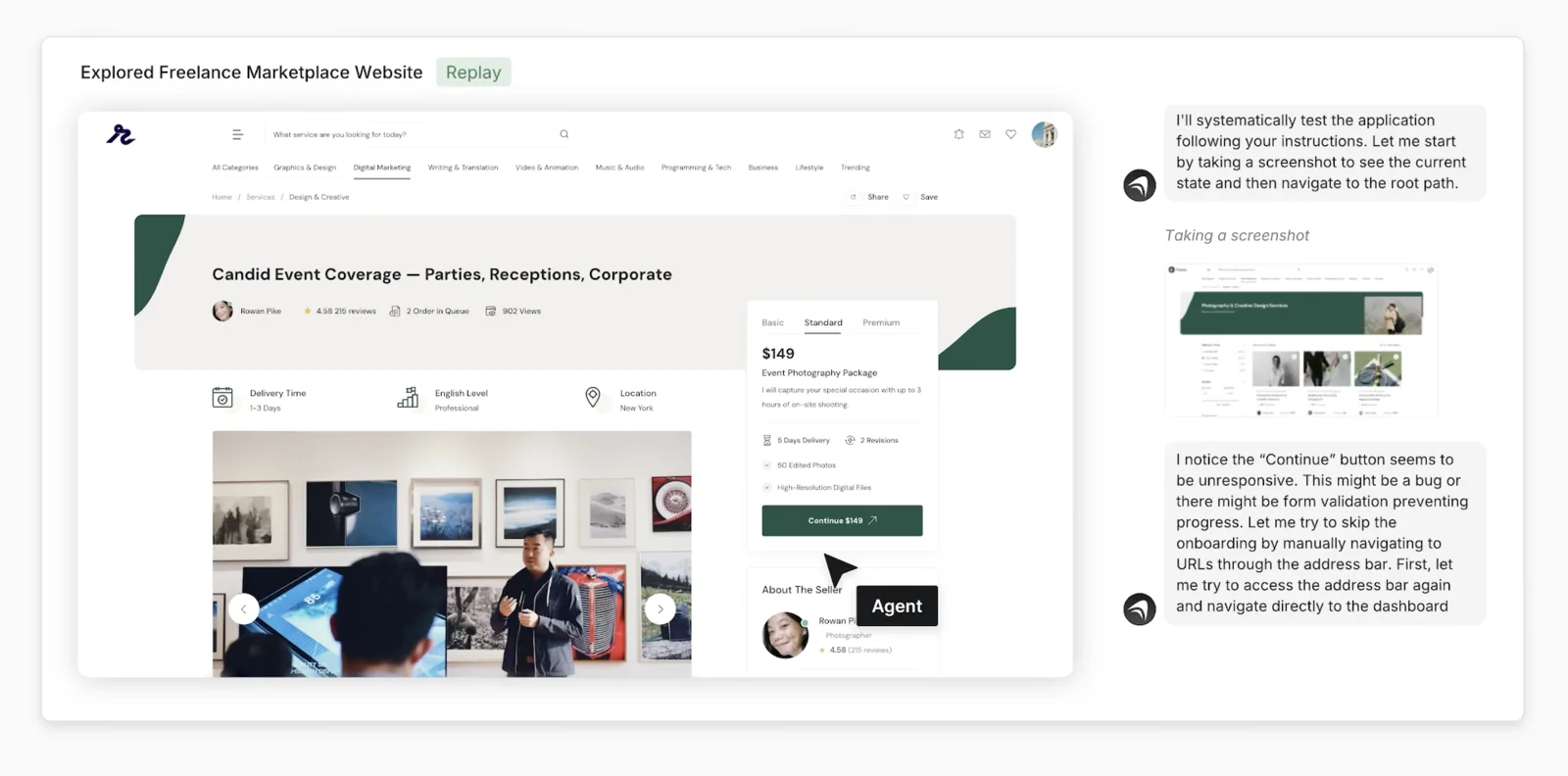
Max is Anything's autonomous software engineer mode. When you run Max on your project, it doesn't wait for your input. It opens your app in a real browser, scrolls through it, clicks buttons, logs in as a test user, goes through the checkout flow, and tries to break things. When it finds something broken, it fixes it, then tests again.
It's like having a QA engineer and a developer working together in the background while you do other things.
Anything pricing and limits
Anything is credit-based. Every message you send burns credits, and bigger jobs (Max runs, multi-agent builds, long sessions) burn more, so the plan you need depends on how much you build, not how many apps you have.
The free plan lets you build and publish without paying, but projects are public, the app carries Anything branding, and you're on a small monthly credit allowance. It's enough to judge the tool, not to ship a client project.
Pro is $19 a month (about $14 a month billed annually) for 20K credits, private projects, custom domains, no Anything branding, unlimited projects and 50 GB of storage. This is the plan most designers will land on.
Max is $199 a month (about $159 a month annually) for 220K credits plus the Max agent itself: parallel agents, automated testing that drives your app in a real browser, visual QA with a computer-use agent, 1M context and 150 GB storage. You can also buy extra credits on any paid plan.
Limits worth knowing before you start: Stripe runs in test mode until you tell Anything to push to production, mobile builds go through Expo so App Store publishing still needs an Apple developer account, and complex redesigns eat credits fast, so keep prompts specific.
Pricing checked August 2026 from Anything's pricing page; plans and credit amounts can change.
FAQ
Yes, there is a free plan you can build and publish on. Paid plans start at $19 a month for Pro, and new users get 20% off through my link.
Real code. It generates a full-stack app from your description, with a database, authentication, back-end logic and payments, rather than filling in a drag-and-drop template.
Yes. It builds on Expo, so your app is App Store ready, and there's a review feature that scans for issues Apple might flag before you submit.
For most designers Anything is faster end to end because hosting, database, auth and Stripe are built in. Claude Code gives you more control and is my everyday tool, but Anything gets more of the full picture right out of the box.
Max is Anything's autonomous engineer mode. It opens your app in a real browser, clicks through it, finds bugs and fixes them without you prompting each step. It's included on the Max plan.
Should you build with Anything?
If you've had an app idea sitting in your notes for months because you couldn't build it, this is a genuinely good time to do something about it.
I'd put Anything on the same level as Claude Code in terms of app-building capability and ease of use, which is saying something because Claude Code is my usual go-to. Anything just gets more of the full picture right, from the UI to the infrastructure underneath it.
Pick an idea you've been sitting on, and just describe it.
If you want to try it yourself, there's a free plan to start and new users get 20% off a paid plan through my link: anything.link
I also pushed Anything harder by building a full-stack client portal with it; that walkthrough is here: Full-Stack Freelancer Portal in One Afternoon with Anything
For how Anything fits the wider landscape: AI Design Tools for Designers (2026): The Complete Guide
Continue reading
 Full-Stack Freelancer Portal in One Afternoon with Anything→AI Design Tools for Designers (2026): The Complete Guide→